
Properties & Requirements
Create sale, purchase, tenant and rent-out records with contact, location, area, budget or price, status, photos, links, documents and notes.
Plots, contacts, deals and reminders — out of the register, into your pocket. Offline-first.
10K+Downloads
WorksOffline
CompleteDeal Flow
Manual Backup& PDF Export
First, the app GUI is so simple and easy to understand. Second the color scheme is also good. Third, I like this app as it is solving my problems. I recommend this app for everyone.
Wahoo it's amazing app to use. It's been easy to list properties in it. Also the reminder feature is so good.
Very useful and handy app. It simplified all the task management related to property dealing......
Very easy in use almost all features are included in this app which we want regularly related to property matters as a dealer.
Best for property
Helpful porperty professionals
wonderful app 👏 👌 thank u
very good experience
Excellent
Nice app
The best
10K+ downloads across India, Pakistan, Nigeria, South Africa, Bangladesh, Malaysia, United States, Egypt & Indonesia — helping dealers manage their property book.
Inside the app today
Create sale, purchase, tenant and rent-out records with contact, location, area, budget or price, status, photos, links, documents and notes.
Keep photos, PDFs, document images, YouTube videos, website links, map pins and full specs attached to the right property.
Save names, phone numbers, office, address, notes, email and website. Share contact QR or save selected contacts to your phone book.
Save reusable areas and set currency, market profile, preferred area unit and local Marla size so records match your market.
Create a deal from one property, seller and buyer. Track final price, agreement date, commission, documents and manual payment records.
Set dated reminders for contacts, properties or deals. Keep standalone notes for measurements, client updates and quick searchable facts.
Search records, review recent history and see property matches. Free shows match count; Pro unlocks exact matching records and all-time history.
Share property messages, PDFs, posters, business cards, property QR, contact QR and app QR with your profile and office details.
Use calculators, area estimates, unit conversion and Marla/Kanal/square-foot references while working in the field.
Open Settings, tap Backup, connect Google Drive, run manual backup, optionally include media/documents and restore on a new device. Scheduled backup is Pro.
Review photos and attached documents taking space, remove selected files and keep the property, deal or contact record intact.
Records stay on your device by default. Privacy & Data collects backup, permissions, cleanup, Drive deletion and ad report controls in one place.
One real day — Property Form, contact actions, Deal Form, Deal Payments, Drive backup.
Open Properties, tap Add New Property. In the form, link the contact and set Purpose, Type, Area and Location. Save.
Pull up the property. Call, Message, Share and Reminder sit in the action row — one tap each.
When a customer walks in, search by area, type, purpose, location or property title. Shortlist targeted properties quickly and share the best matches.
Open Deal Form. The seller carries over from the property — add the buyer, final sale price and agreement date. Save: it opens in Deal Details.
In Deal Details, tap Add beside Paid Amount. Enter the amount and date, confirm. Paid and Remaining update on the spot — and you can’t overshoot the balance.
Open Settings → Backup. Connect Drive once, then tap Back Up Now. Database and optional media/documents go up — the footer stamps Last: Today, 9:31 PM.
A quick look at the core flows: properties, matches, deals, payments, contacts, reminders, locations, notes and sharing — all using the same calm visual system.
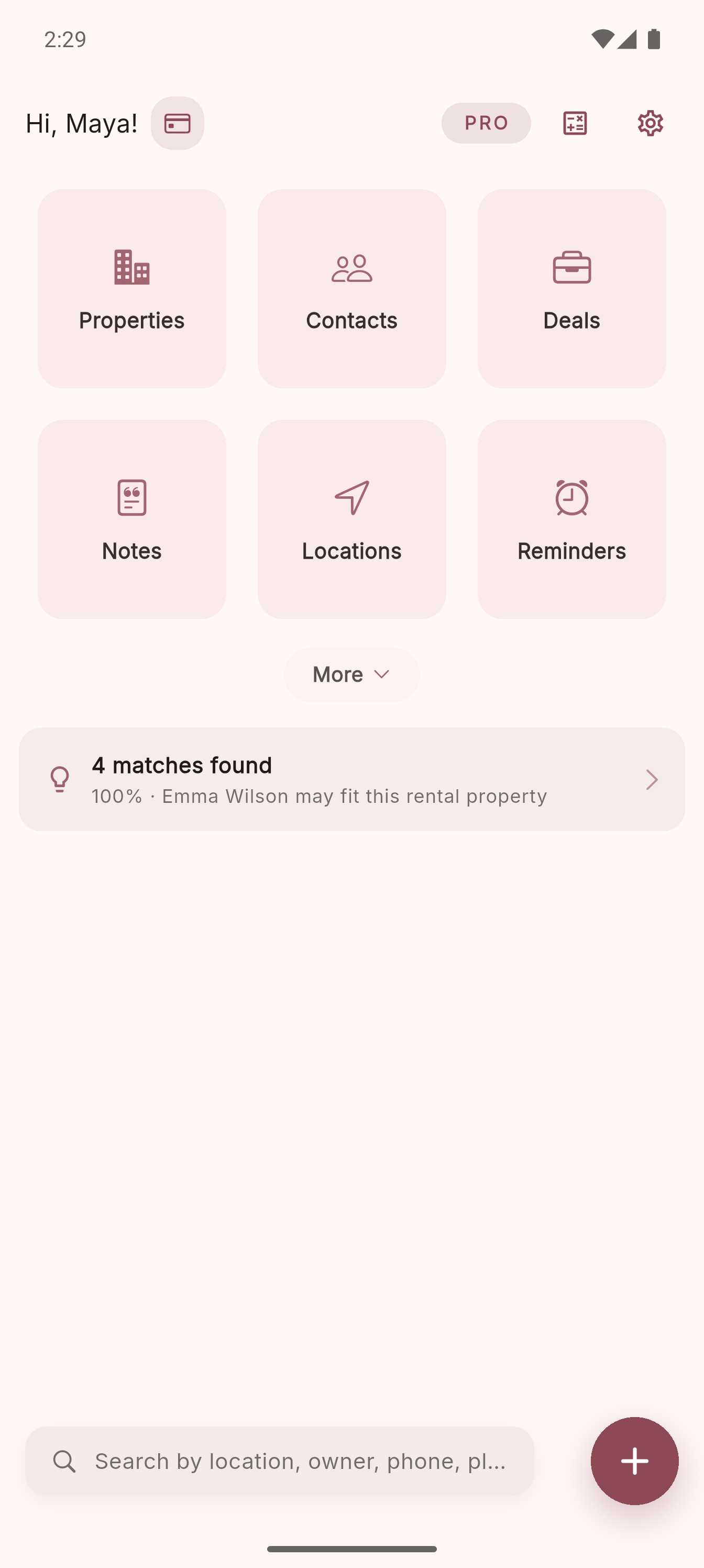
01
Six daily work areas, quick search and match alerts.
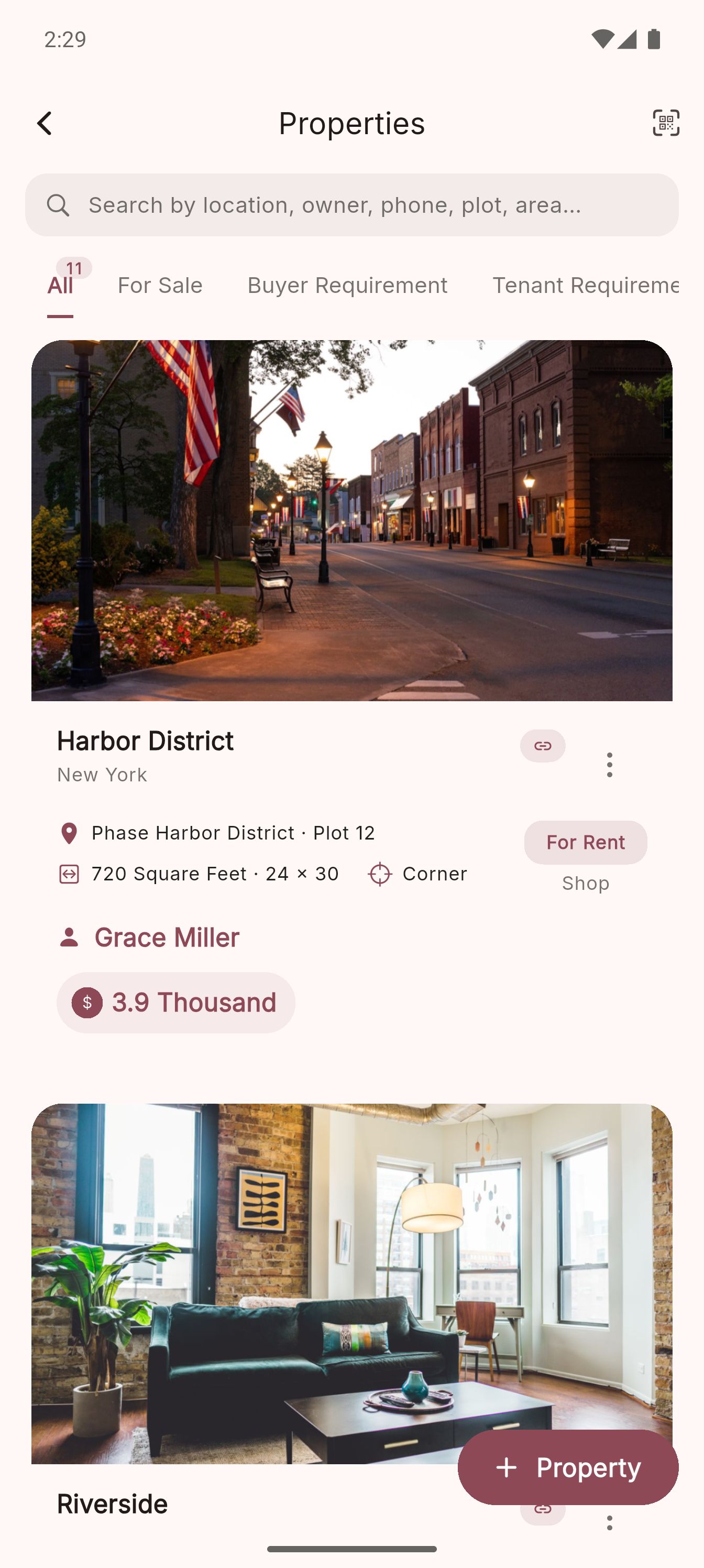
02
Search, filter and scan your listings quickly.
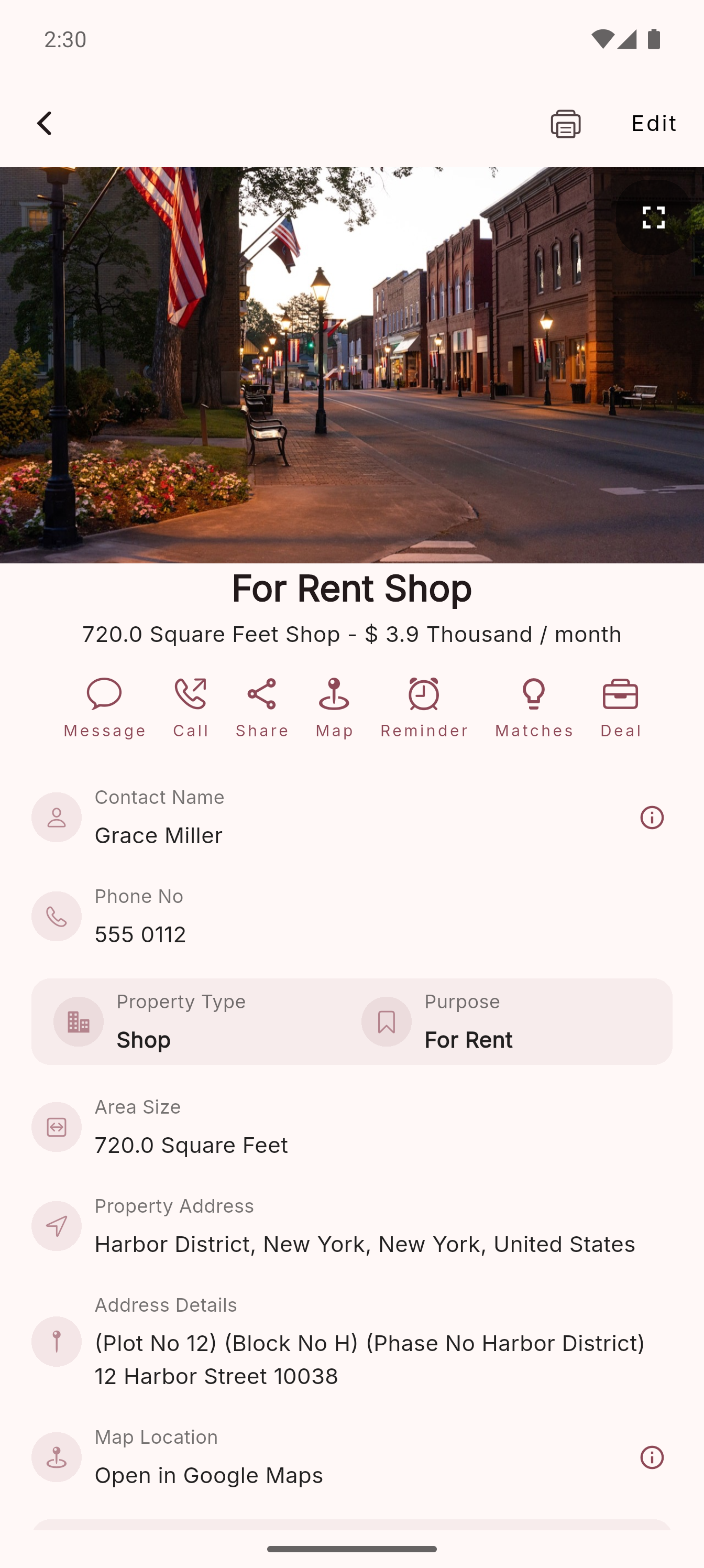
03
Price, owner, specs and actions stay together.
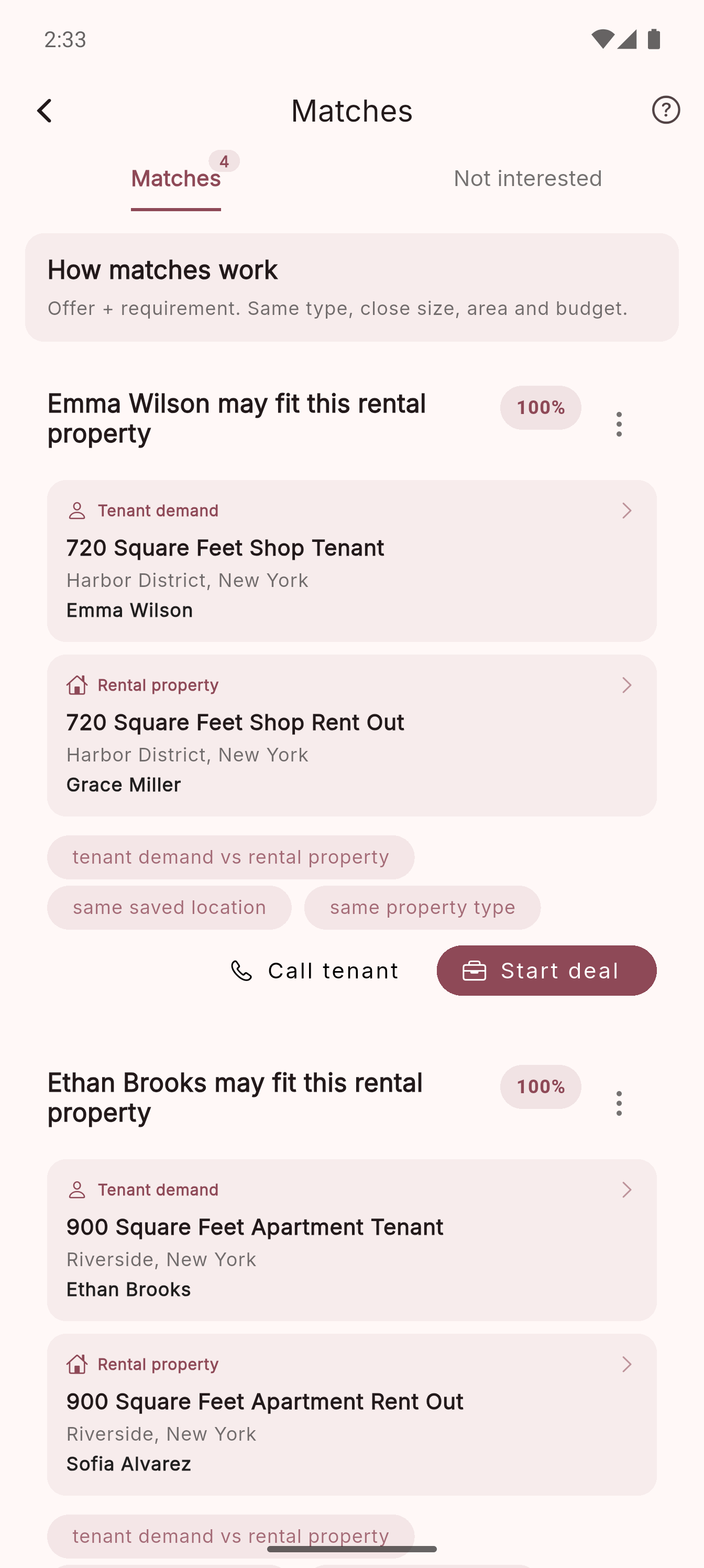
04
Compare demand and supply records before starting a deal.
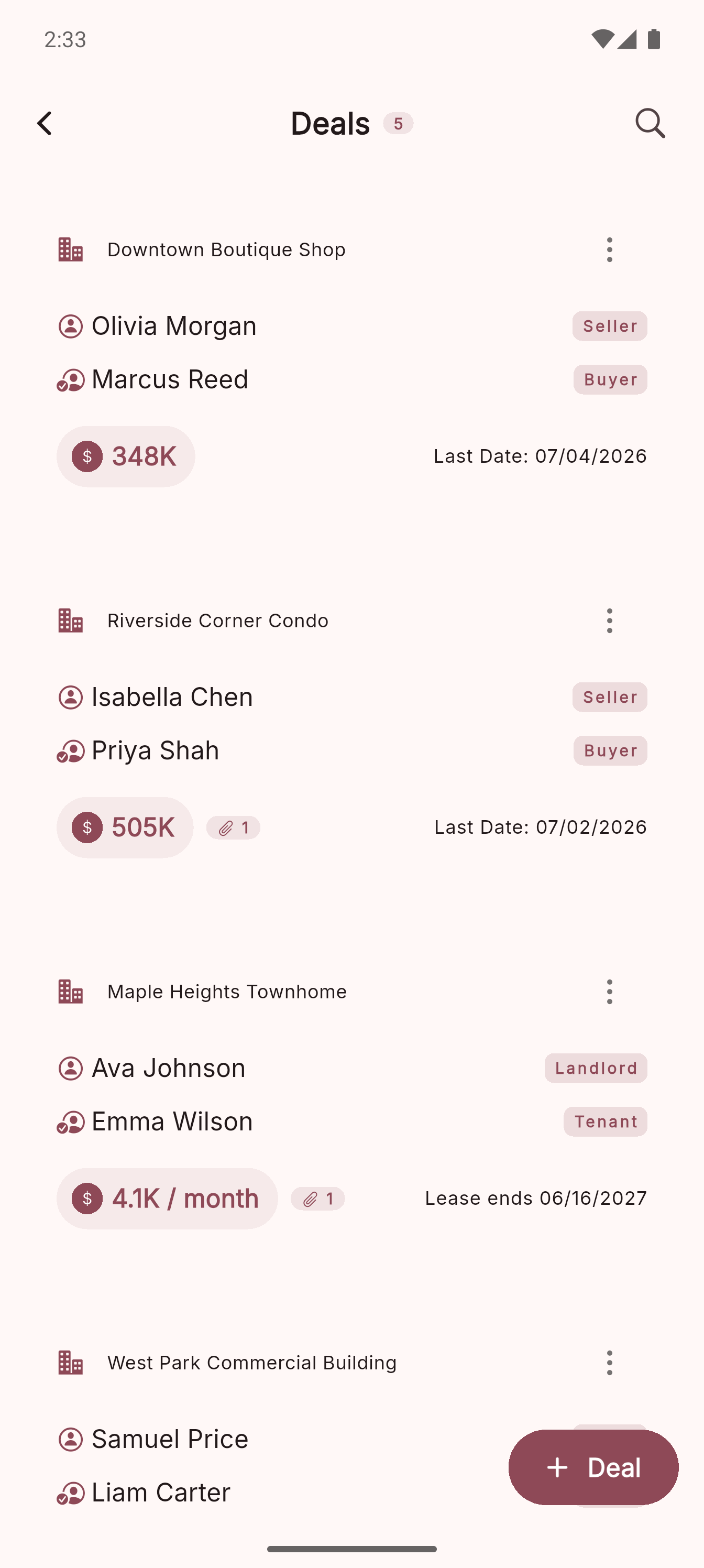
05
Sale and rent deals with parties at a glance.
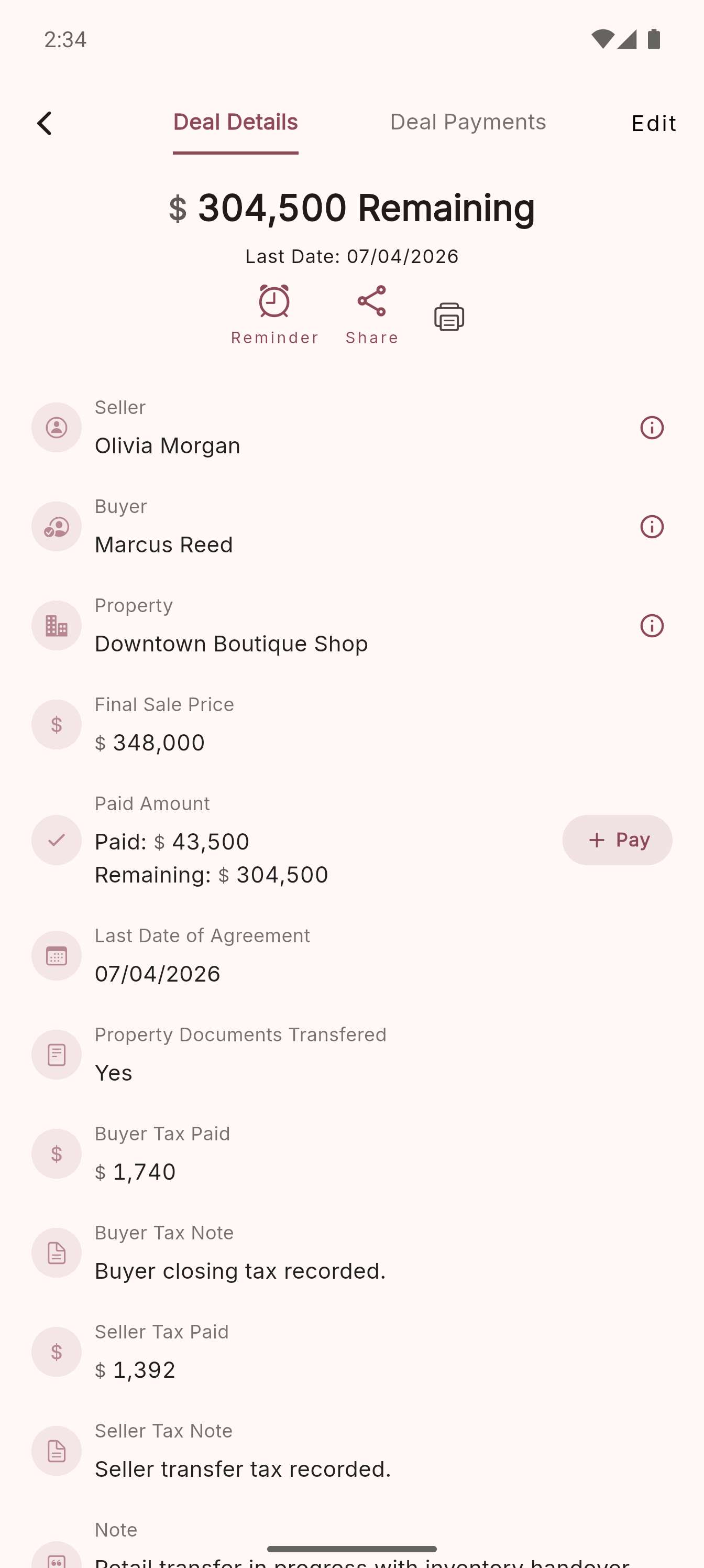
06
Parties, final price, paid and remaining in one view.
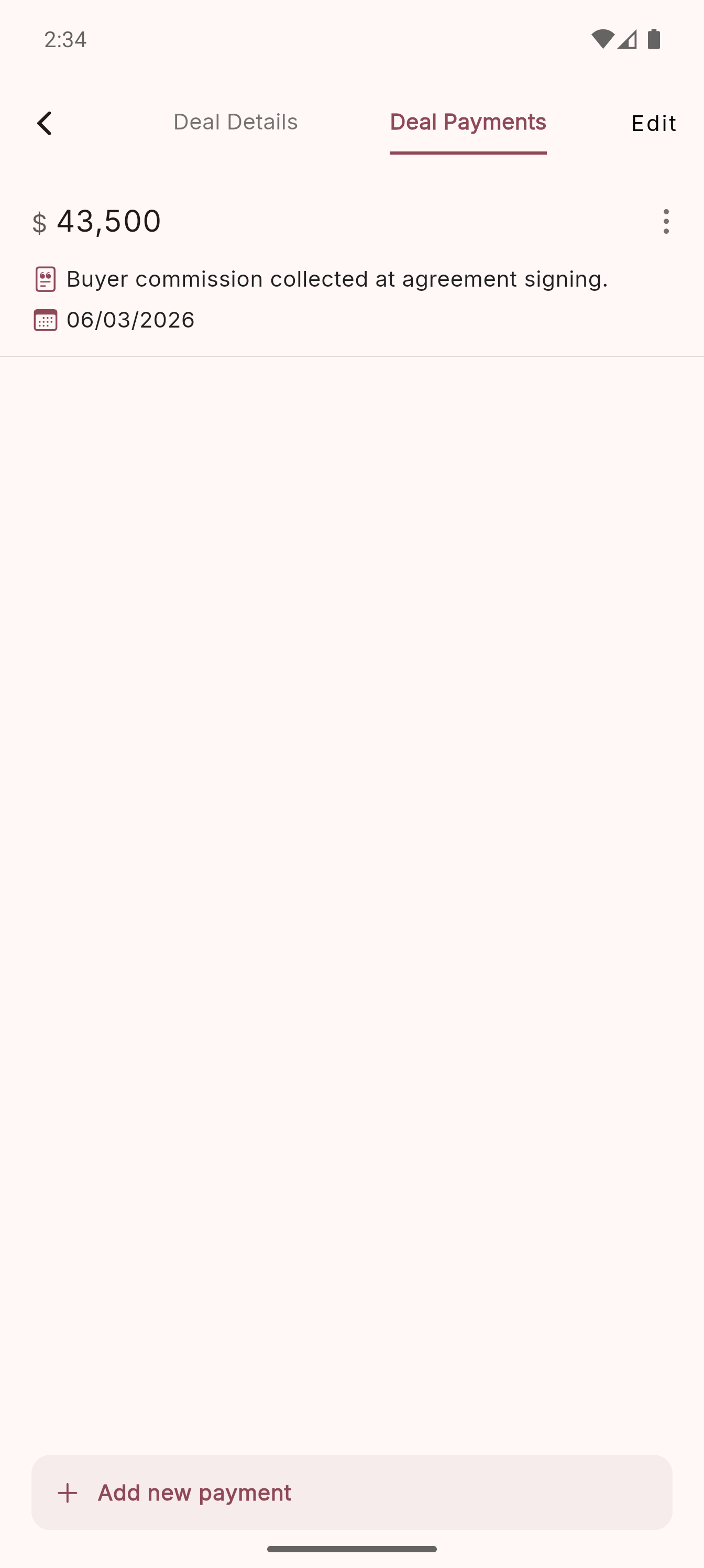
07
Manual payment records stay simple to review.
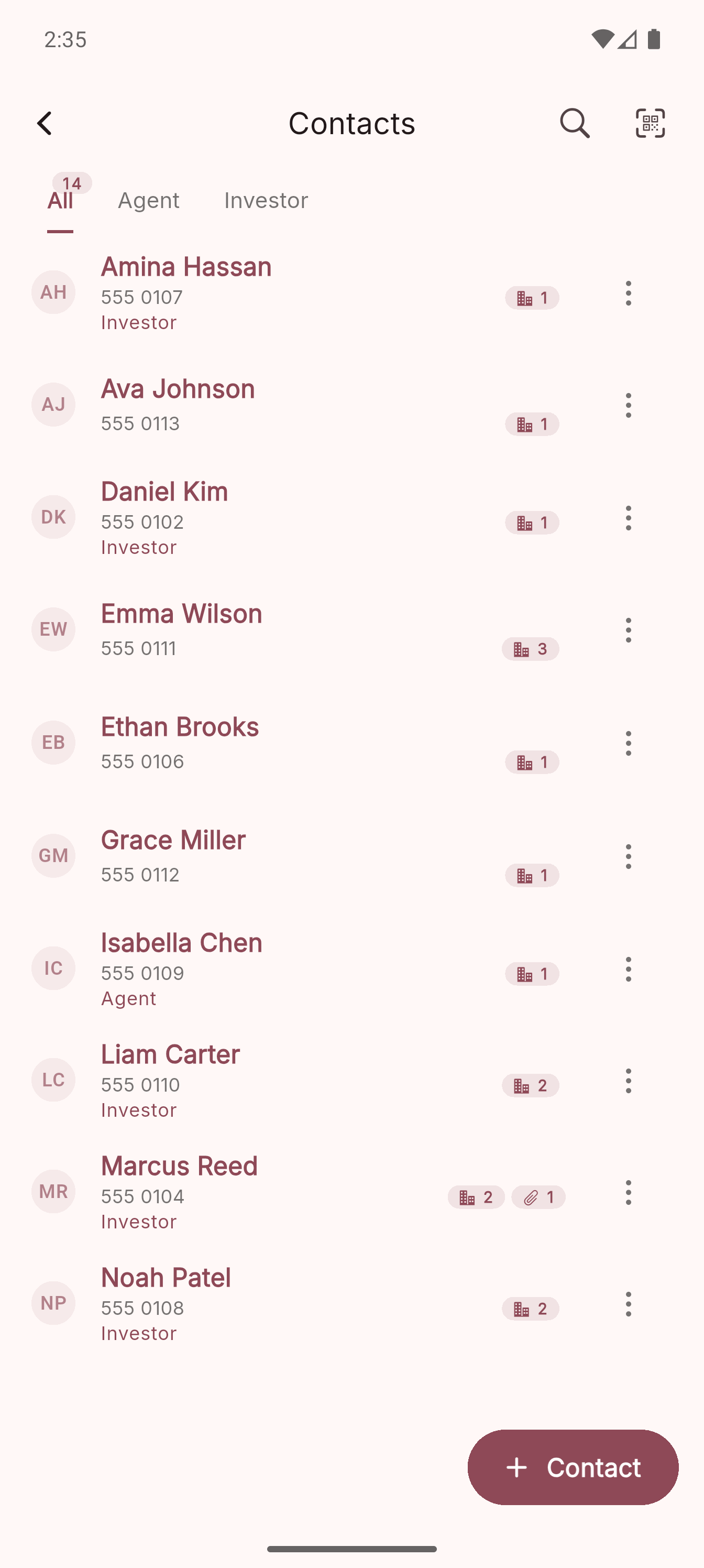
08
Keep agents, investors and clients searchable.
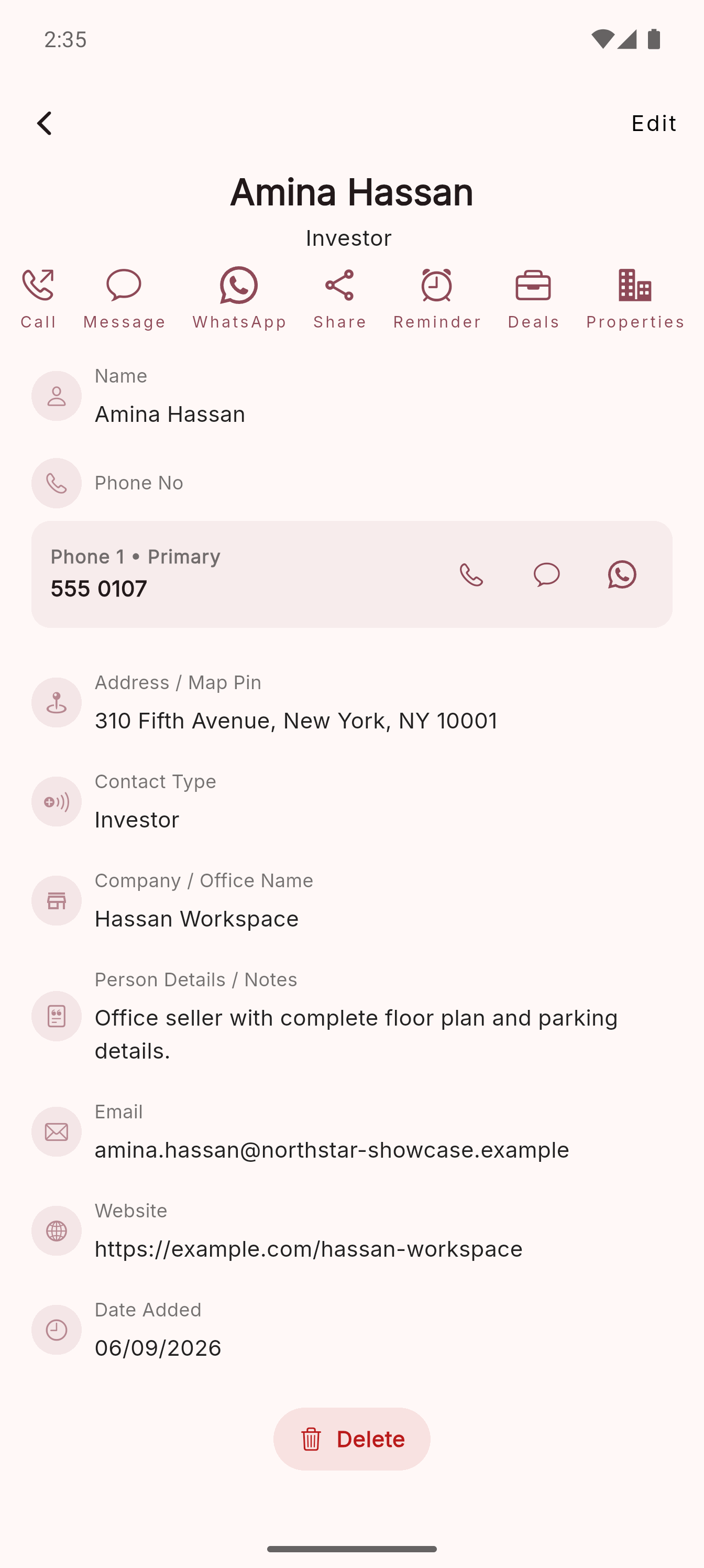
09
Call, message, share, remind or jump into related records.
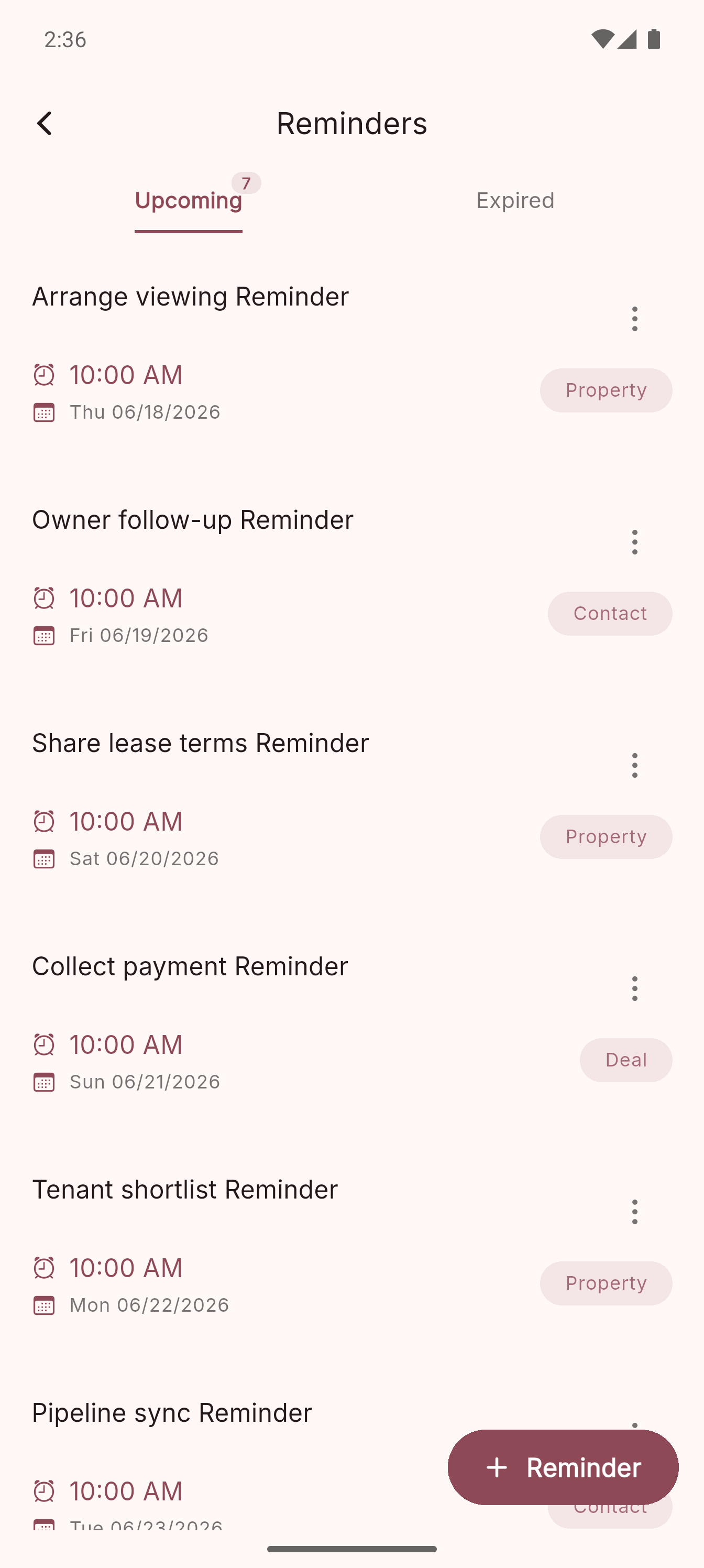
10
Upcoming follow-ups are attached to the right record.
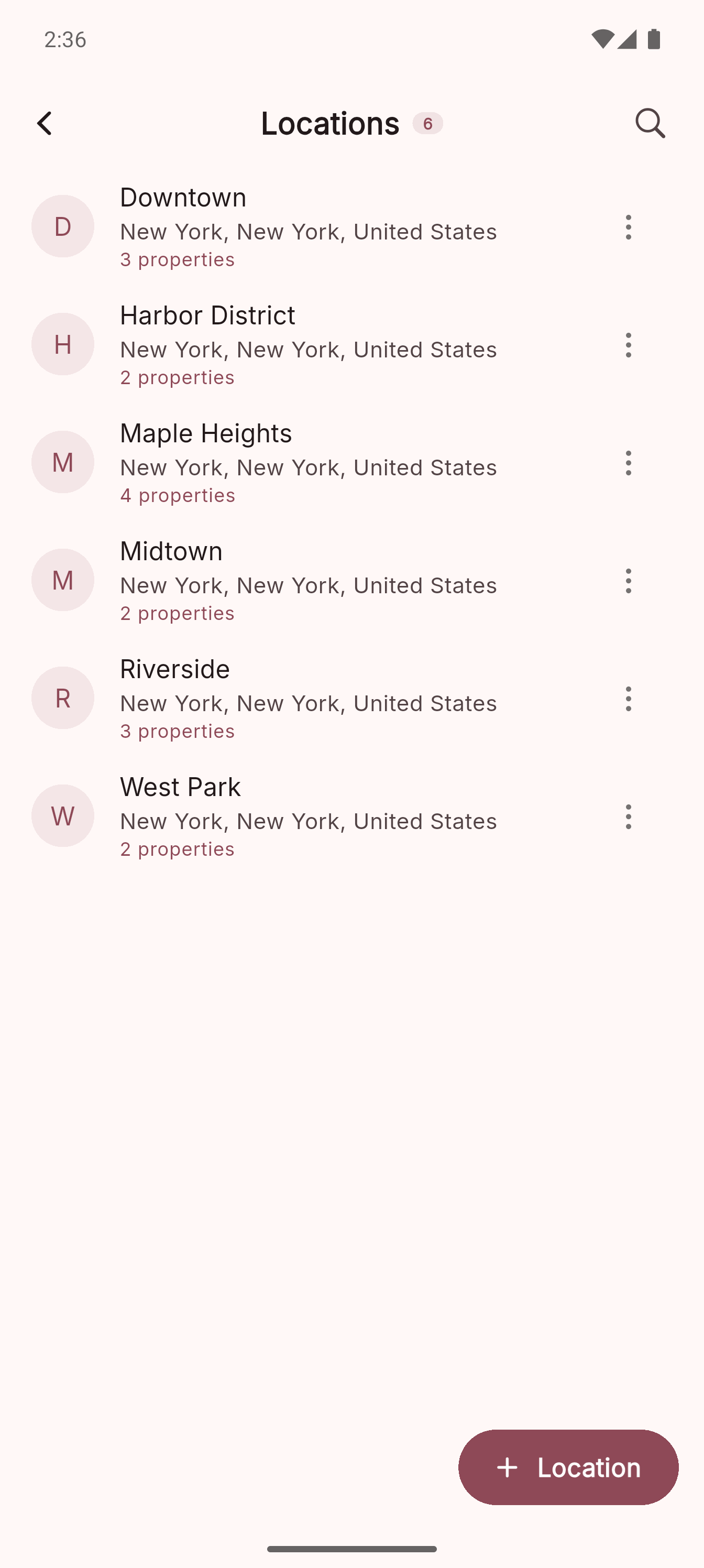
11
Reuse saved countries, states, cities and areas.
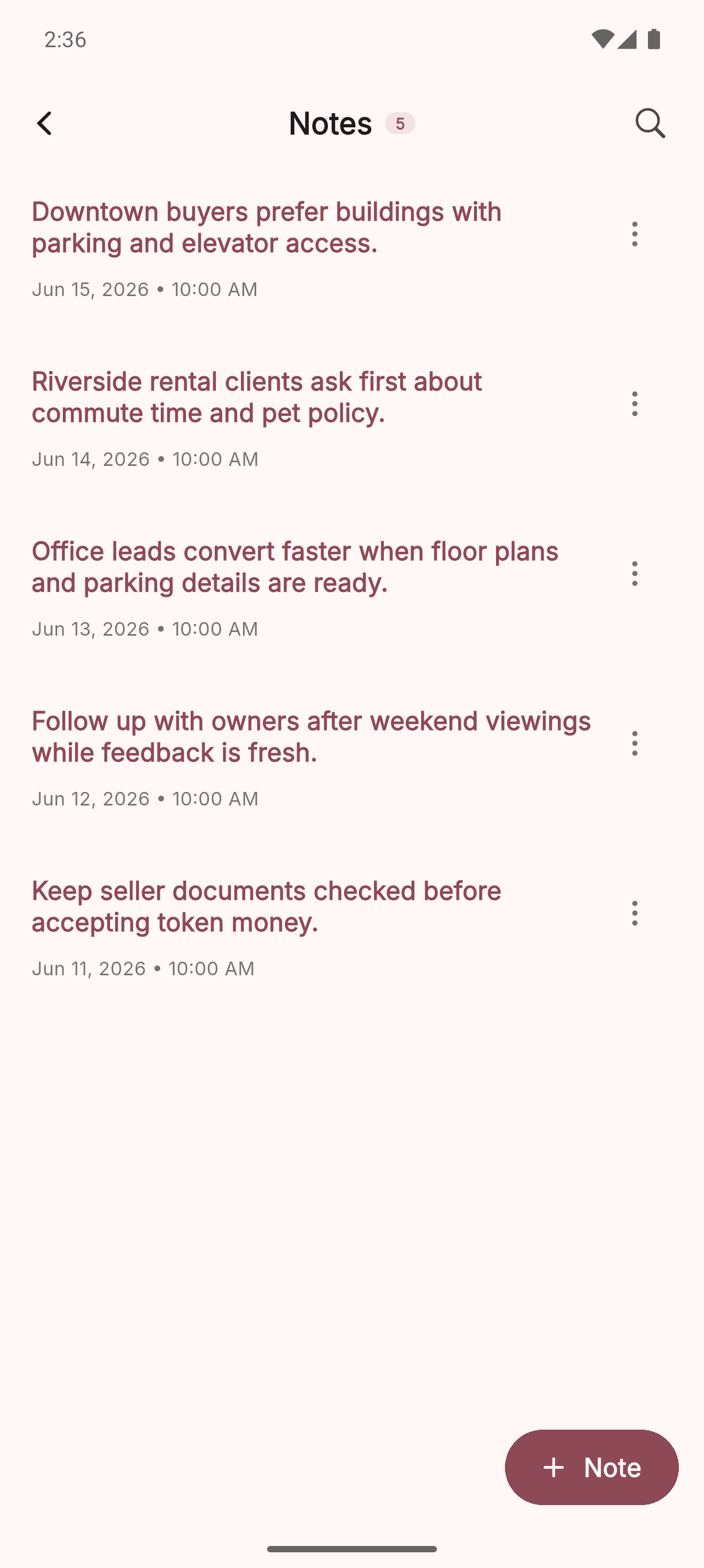
12
Keep searchable context outside the main records.
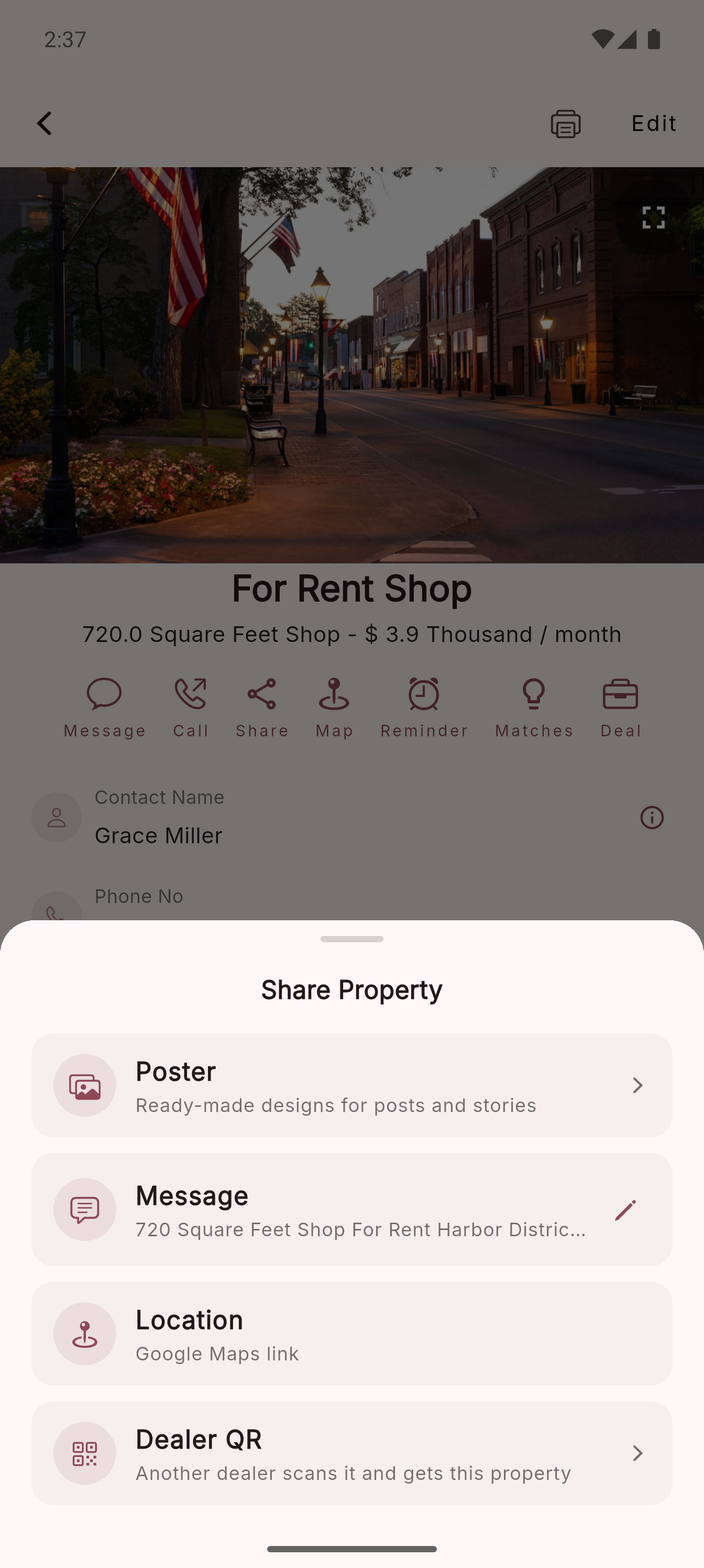
13
Send posters, messages, map pins and QR handoffs.
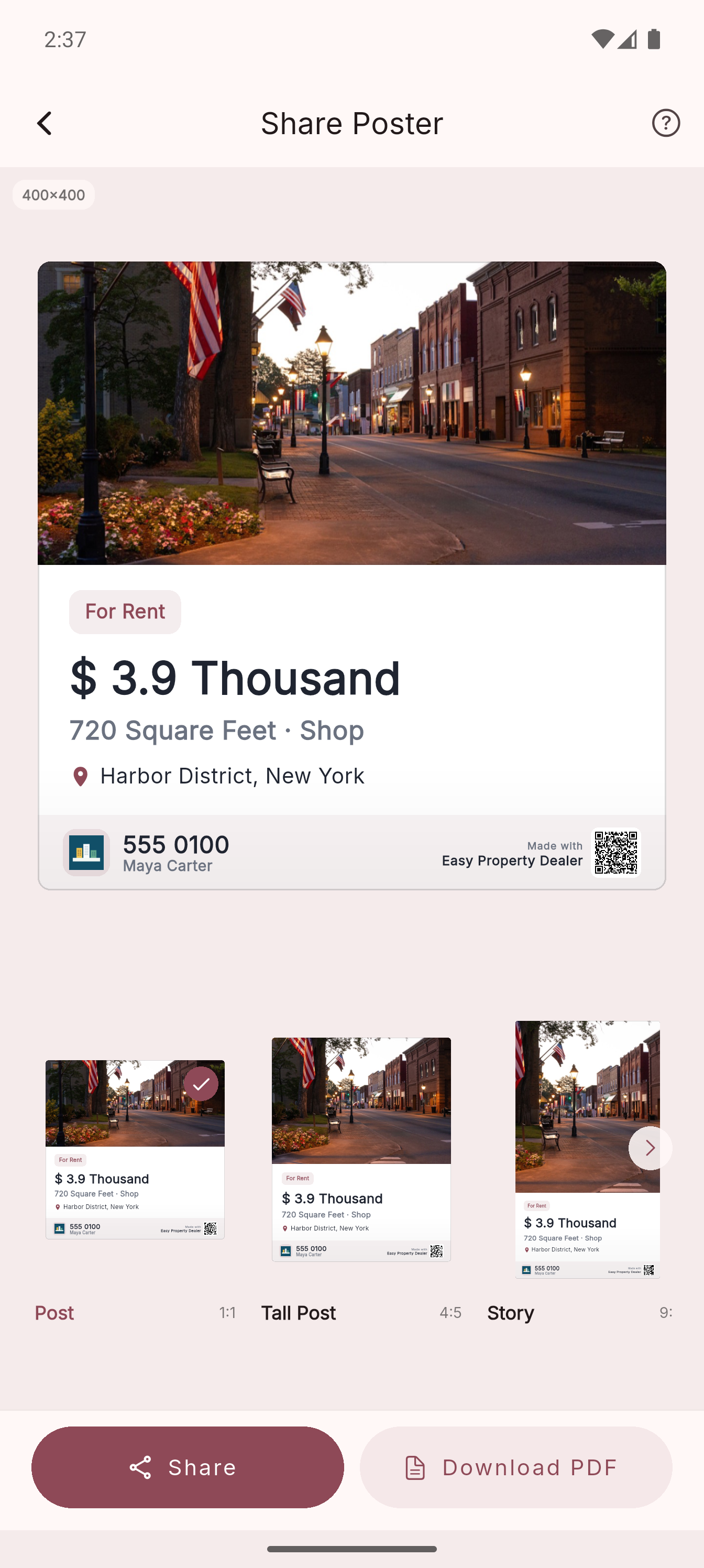
14
Create branded property cards for posts and stories.
Before EPD
With EPD
Can't find your question? Send it our way — we read every email.
Yes. You can start free with properties, contacts, locations, deals, payment records, reminders, notes, tools, sharing and manual Google Drive backup. The free plan has record limits and occasional ad-supported gates. Easy Property Dealer Pro unlocks unlimited records, scheduled backup, exact matches, all-time history and no ads.
Pro unlocks unlimited properties, contacts and deals, exact property matches, all-time history, scheduled Drive backup, no ads and watermark controls for posters and PDFs. Plans are purchased inside the app through the App Store or Google Play, where available.
On your device. Easy Property Dealer is local-first — your book is stored on the device. If you connect Google Drive, the app uploads a backup package to your Google Drive app data storage so you can restore it later.
Yes. Adding properties, contacts, locations, deals, deal payments, notes, reminders and calculations works offline. Internet is needed for Google Drive backup/restore, external links, store purchases, ads, analytics/diagnostics and platform services.
Yes. Settings includes theme and currency pickers, so prices can match the market you work in and the app can use your preferred color theme.
Yes. Easy Property Dealer is available for both Android and iPhone. Use the install page or download it directly from the App Store.
Yes. Open a deal and use its PDF/print action to preview, print or share the deal PDF from your device's standard print and share options.
No. Easy Property Dealer is not a fintech, wallet, escrow or money-transfer app. Deal Payments only help you record amounts you enter yourself, such as paid and remaining balances, so your property book stays organized.
If you've created a Drive backup, no. Install Easy Property Dealer on the new device, open Settings → Backup, connect the same Google account and restore the latest backup.
The app includes built-in tools for quick calculations, area estimates and common unit reference while working in the field.
Available on Android and iPhone · 4.5★ on Google Play